
Job application autofill that keeps your search connected.
Re-entering the same details across job applications is repetitive, slow, and easy to get wrong. ApplyArc helps you autofill job applications faster while keeping the roles you save connected to your tracker.
Instead of treating each application like a disconnected form, ApplyArc helps you move from browsing to saving to tracking in a more organised way.
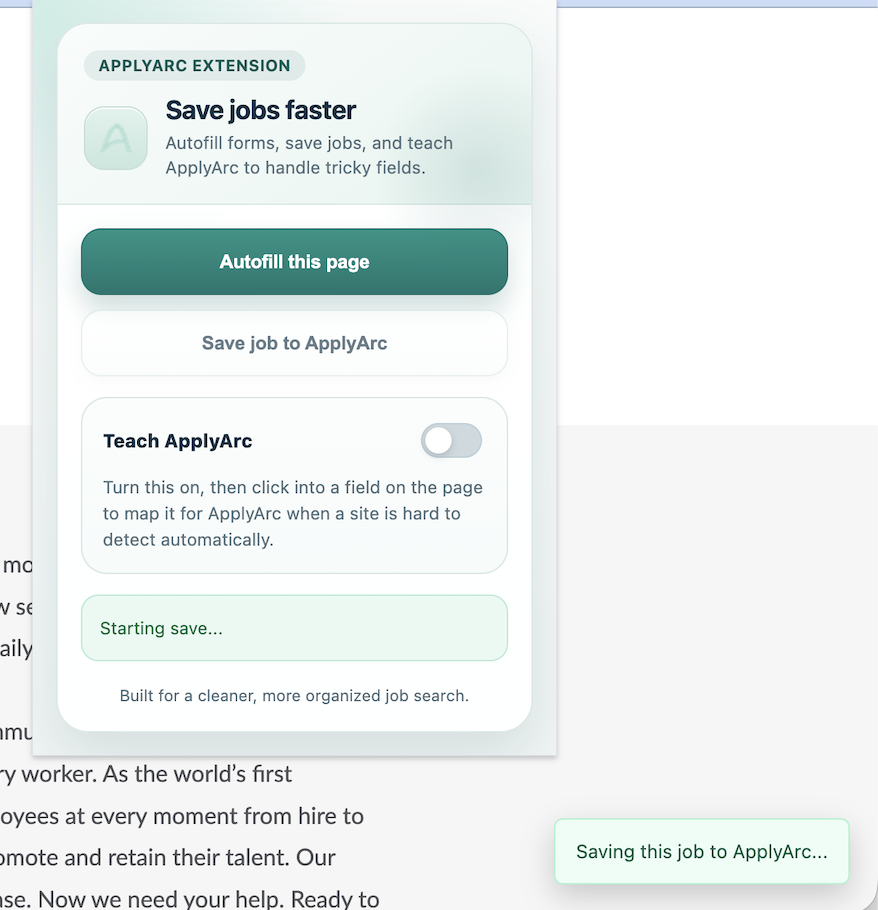
Save jobs directly from the browser and keep them connected to your tracker.
Why autofill matters during a job search
- The same information gets typed repeatedly
- Applications become slower than they need to be
- Manual entry increases the chance of mistakes
- Jobs found in the browser often never make it into your tracker
Autofill is not just about speed. It is about reducing friction so more of your search stays organised from the start.
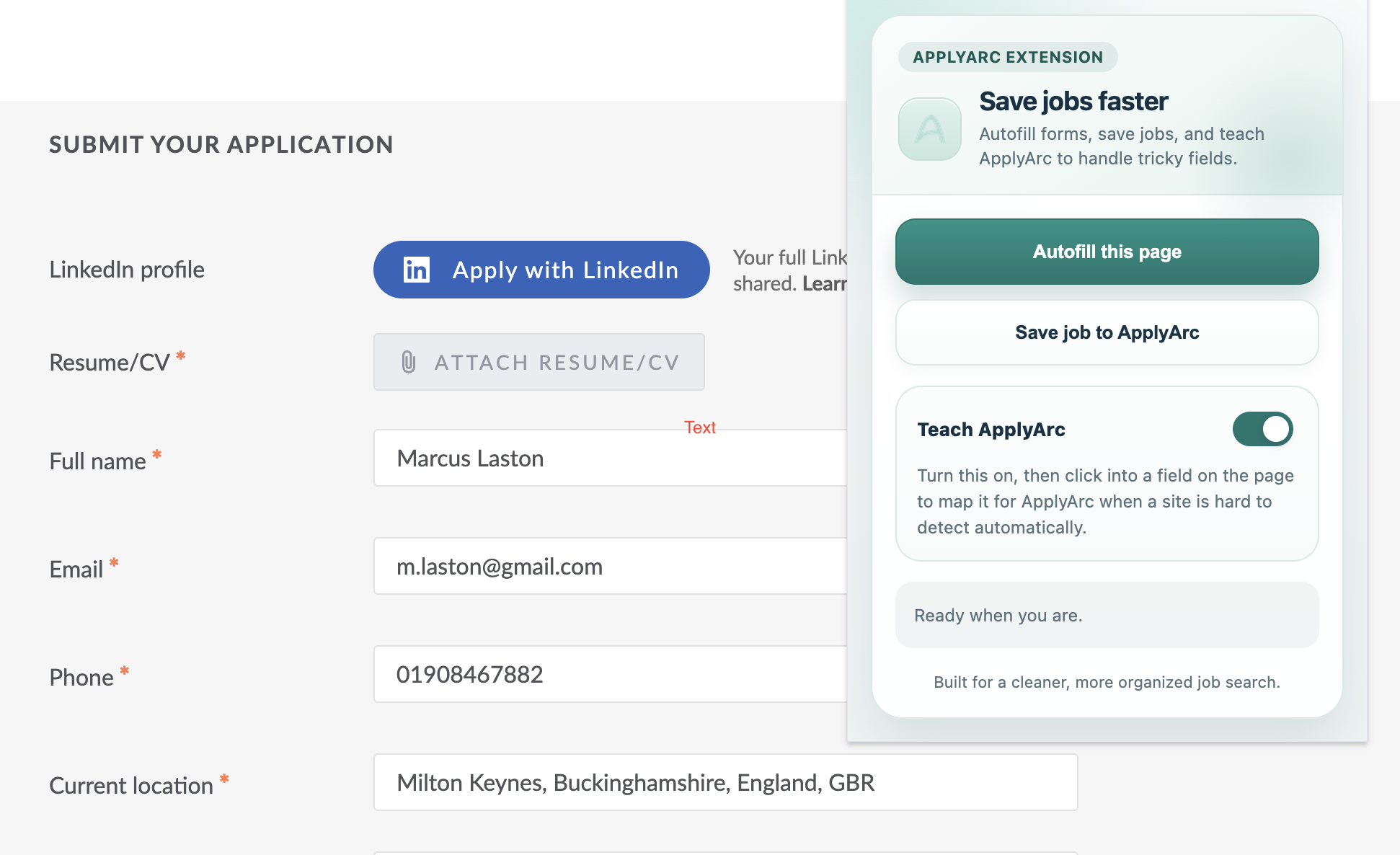
Autofill job applications faster without re-entering the same details every time.
How ApplyArc approaches job application autofill
- Save jobs directly from the browser
- Keep job details connected to your tracker from the beginning
- Reduce repetitive copying between tabs and tools
- Move from discovery to action with less friction
The goal is not mass applying. It is making the applications you care about easier to manage and easier to keep visible.
Autofill alone vs autofill connected to your tracker
Autofill alone
- Faster form completion
- No lasting context
- Roles can still get lost
- No clear handoff into tracking
ApplyArc
- Faster capture from the browser
- Roles connected to your tracker
- Next steps remain visible
- Less fragmentation across your search
Part of a complete job search system
Autofill works best when it connects into a broader system.